
Reference
Settings
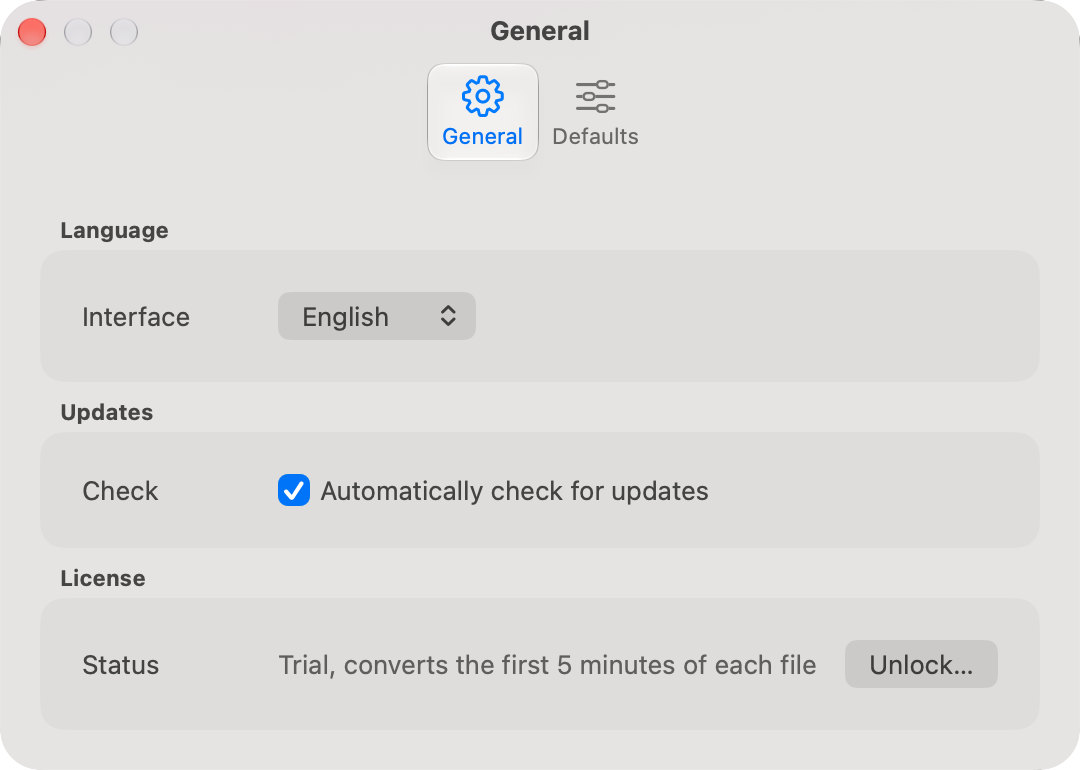
Settings (⌘,) has two tabs. General holds the language, updates, and the license. Defaults holds the settings every new movie starts from.
General
Language
Interface is the language MakeSBS3D speaks. System, the default, follows the Mac, and English, German, Spanish, French, Italian, and Swedish are there to pick instead. The window changes as soon as you choose, and the parts macOS draws, the open panels and the update dialogs, follow at the next launch. A Mac set to any other language gets English.
Updates
Automatically check for updates lets MakeSBS3D look for a new version at makesbs3d.com when it starts. On by default. With it off, Check for Updates… in the MakeSBS3D menu is the only check.
License
Status says whether this Mac runs the full version or the trial. Unlock… opens the license sheet to buy or enter a key, and Manage… shows the active key and lets you remove it. See License.
Defaults
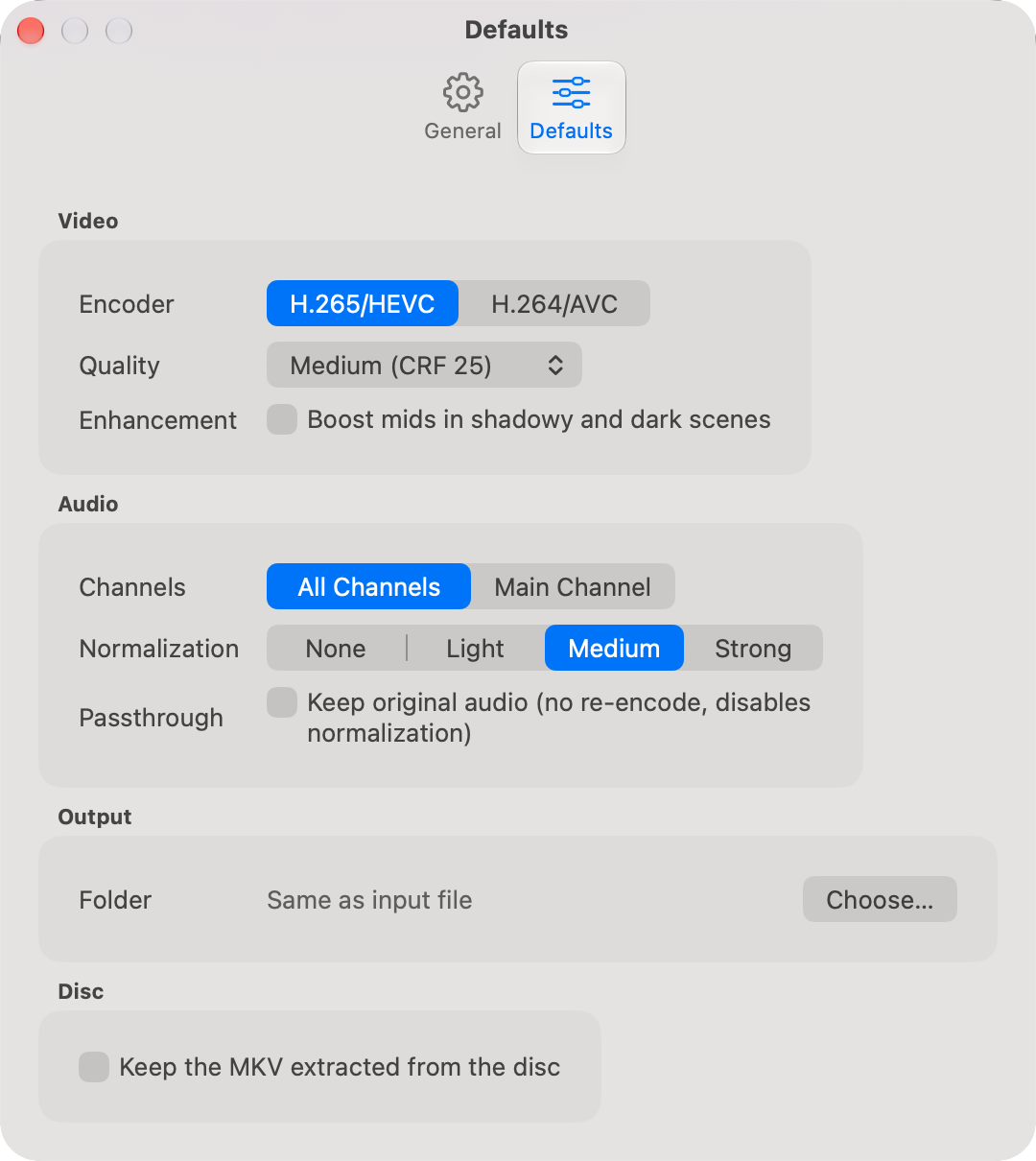
Each setting here is the starting value for a movie added to the list. Changing a default leaves the movies already in the list as they are.
Video
Encoder and Quality, with Custom CRF when Quality is Custom…, as on the Video page. Enhancement is Boost mid levels for every new movie.
Audio
Channels is All Channels or Main Channel, and Normalization one of the four strengths, as on the Audio page. Passthrough is Keep original audio for every new movie, and greys Normalization out.
Output
Folder is where converted movies go. Same as input file puts each beside its source. Choose… sets one folder for all of them, and Reset returns to the source's folder.
Disc
Shown when MakeMKV is installed. Keep the MKV extracted from the disc leaves the MKV beside the converted movie instead of removing it with the temporary files.