Converting
Video
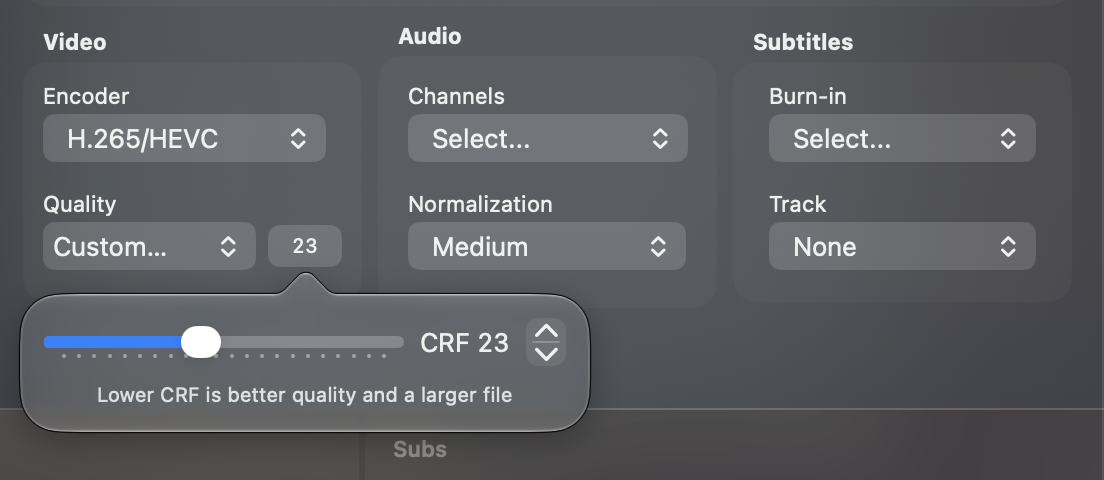
The Video section picks the encoder and how hard the picture is compressed. Both have defaults under Settings → Defaults → Video.
Encoder
H.265/HEVC gives the better picture for a given file size and is the default. H.264/AVC is faster, at a larger file for the same quality. Pick it when speed matters more than size.
Quality
The presets set the CRF, the constant rate factor of the encoder. A lower CRF is a better picture and a larger file.
| Preset | CRF |
|---|---|
| Maximum | 18 |
| Very High | 20 |
| High | 22 |
| Good | 23 |
| Medium, the default | 25 |
| Low | 28 |
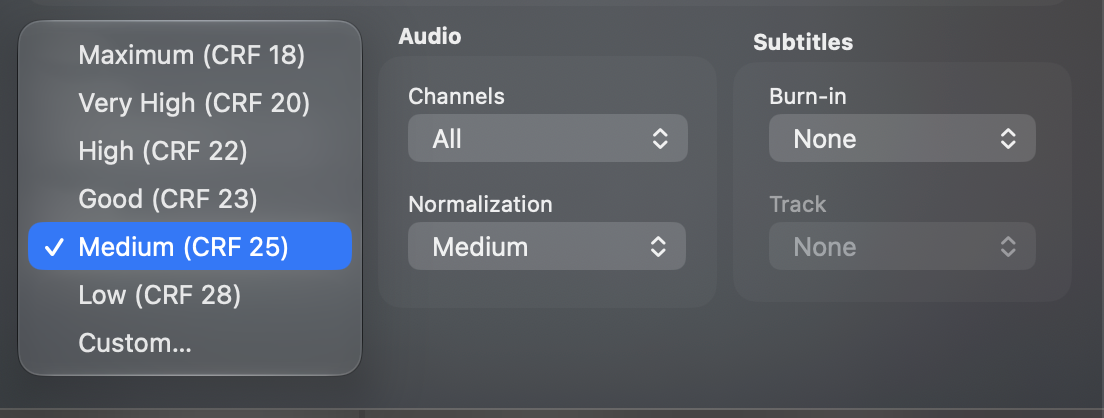
Custom… opens a slider from 14 to 35 for a value of your own. The number next to the menu opens it again.